
Account tasks and safety
bd89 Login, Registration and Password Recovery
Before following an account route, identify the task: access an existing account, create a new account, or recover a forgotten password. Each has a separate path. bd89.uno never accepts usernames, passwords, OTPs or identity documents.
Login
Login is the route for an existing account using a username and password. Before entering details, inspect the full domain, visible bd89 brand and page security. If the password is no longer known, use Password Recovery instead of repeatedly submitting guesses.
Do not submit login details to an independent information site, chat window or unfamiliar support page. Close the page if the domain does not match, even when the colour or logo looks familiar.
Registration
Registration starts a new account. Repeatedly trying new details on a Login page is not registration. Use only fields that are visible and necessary on the relevant page; this information site does not invent unseen Phone, OTP, Referral or KYC steps.
Before starting Registration, confirm that the page clearly describes a new-account task. Submit nothing if Login and Registration lead to the same unfamiliar address or if money, a reward or an OTP is requested before the task is clear.
Password Recovery
Use Recovery or “Forgot Password” when the password is no longer known. Never give an OTP or recovery code to a third party, chat, email reply or independent information site. A replacement password should not copy the old one or a password used on another site.
Stop if the domain changes during Recovery, an unrelated payment is requested, or a page asks you to send the code to someone. A recovery code is itself sensitive account-access information.
Remember Me
Remember Me can be convenient on a secured personal device, but it should not be used on a shared phone, public computer, workplace device or another person’s browser. Log out when finished and check whether the browser retained account details.
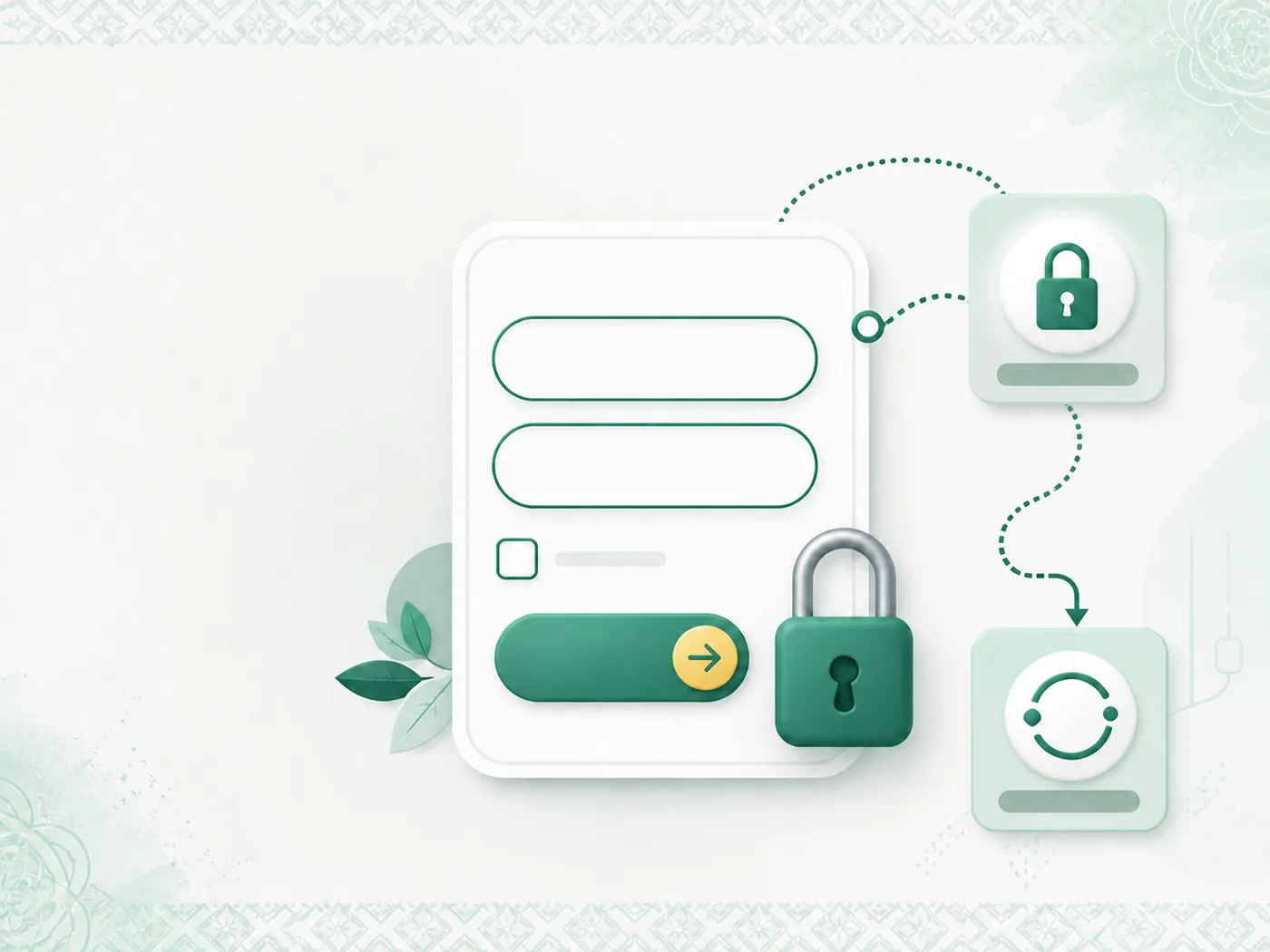
Warning signs of a false login page
- A different brand or character order appears instead of bd89.
- Login and Registration lead to the same unfamiliar page.
- An unnecessary OTP or payment is requested with the password.
- The full domain changes during the task.
- The page uses urgency, rewards or fear to pressure you into submitting details.
Submit nothing when these signs appear. Close the page and recheck the brand character order, full domain and whether the task is Login, Registration or Recovery.
Where to go after the Account guide
Use Games to compare categories, Mobile for phone and app safety, and About for this site’s research and independence. Report an incorrect label, changed route or unclear statement through Contact with the URL and date.