
Web, app and phone safety
bd89 App and Mobile Access Guide
Using bd89 on a phone can mean two different things: opening Mobile Web in a browser or installing a separate App. This guide explains the distinction and the safety checks for each route. bd89.uno does not distribute APK or iOS files, QR codes or app mirrors.
When Mobile Web is enough
A phone browser is enough when you only need public information, game categories or an explanation of account routes. Home, Games, Mobile and Account remain available without installing a file. Browsing requires no installation permissions and usually makes the full domain easier to inspect.
Confusing Mobile Web with an App can lead to unnecessary file searches. Treating an installer as an ordinary mobile page can also make device warnings easier to miss. Decide first whether the task is reading information or installing software.
What to verify before following an App route
- Check whether the full domain and visible brand match bd89.
- Identify where the file came from and who published it.
- Confirm that the version, update date and file type are clearly stated.
- Check for unnecessary Contacts, SMS, Accessibility, Device Admin or other sensitive permissions.
- Pay attention to any device or browser security warning.
- Check whether the visible brand changes before or after a download.
Stop the installation if the source is unclear, the brand does not match or the software requests unnecessary permissions. Labels such as “Official”, “Safe” or “Latest” are not substitutes for checking the source, signature and domain.
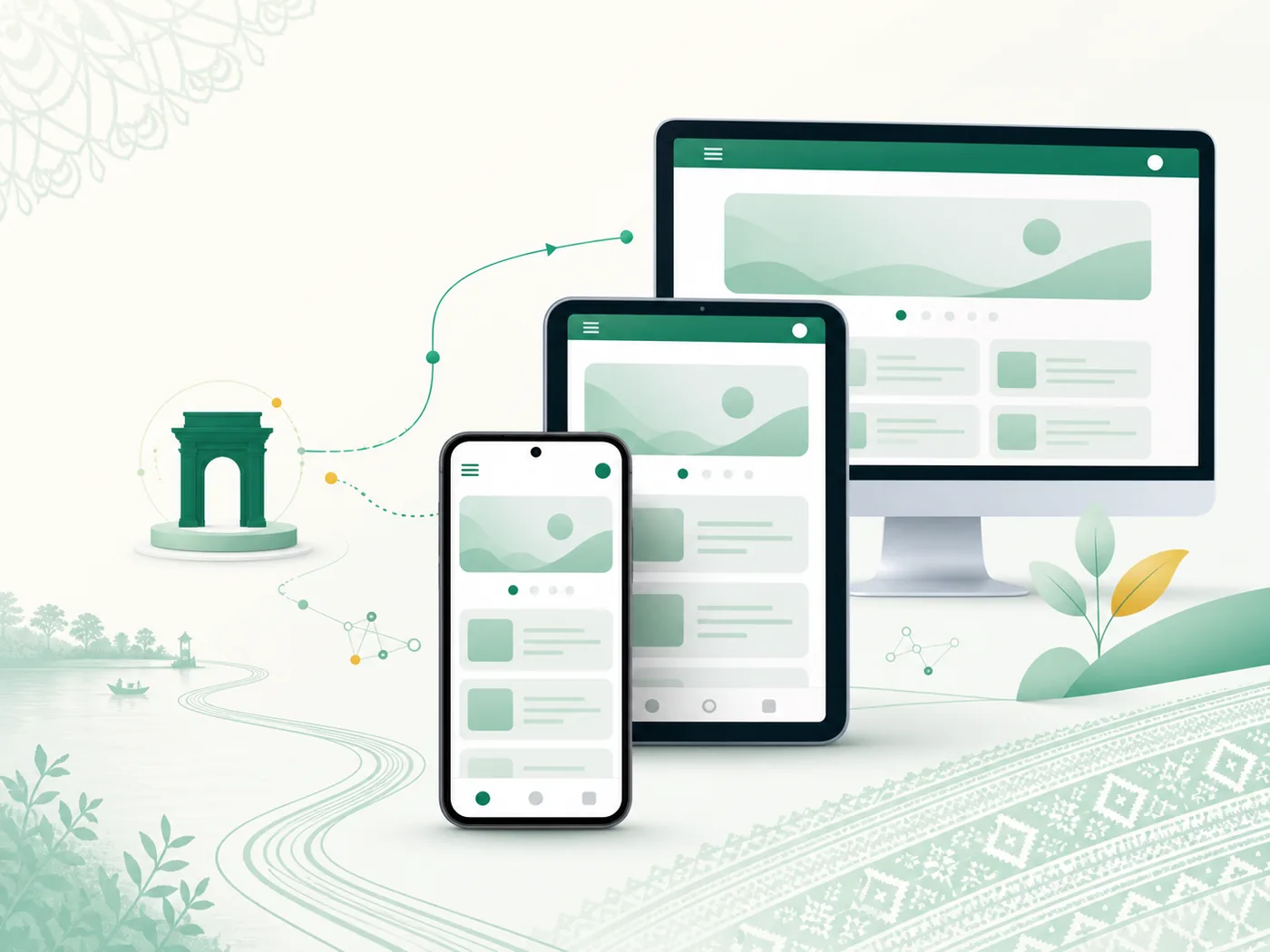
Clear navigation on a small screen
Open the menu and choose one task at a time. Use Games for categories, Mobile for web and app guidance, and Account for Login, Registration or Recovery. Multiple tabs, unfamiliar pop-ups and rapidly changing domains make mistakes more likely.
When returning to a page, confirm that the same domain and brand are still visible. A small screen may hide part of the address, so expand the address bar and inspect the full URL before entering information.
Limits of this information site
bd89.uno does not publish verified app files, host downloads or provide access to an account. This page only explains the Web/App distinction, safety checks and mobile navigation. Fast-changing claims about app versions or files are withheld unless they can be checked again.